Embed
A button on your site opens the storefront. The same script can also place the storefront inline on the page.
Flowgate Recurring
The customer approves a spending cap once. Later charges run on their own, and Flowgate’s operator pays the gas. Your site never holds a private key.
A merchant has a Recurring POS. It holds a collection of plans: title, fiat price, interval, and cycle count. The POS has a storefront id. Pass that id to the widget as id.
A button on your site opens the storefront. The same script can also place the storefront inline on the page.
Your site sends the person to a link. No script is required. The link already names the plan and the user.
| Environment | Script | Storefront |
|---|---|---|
| Production | https://recurring.flowgate.tech/ |
https://recurring.flowgate.tech/ |
| Staging | https://staging.recurring.flowgate.tech/ |
https://staging.recurring.flowgate.tech/ |
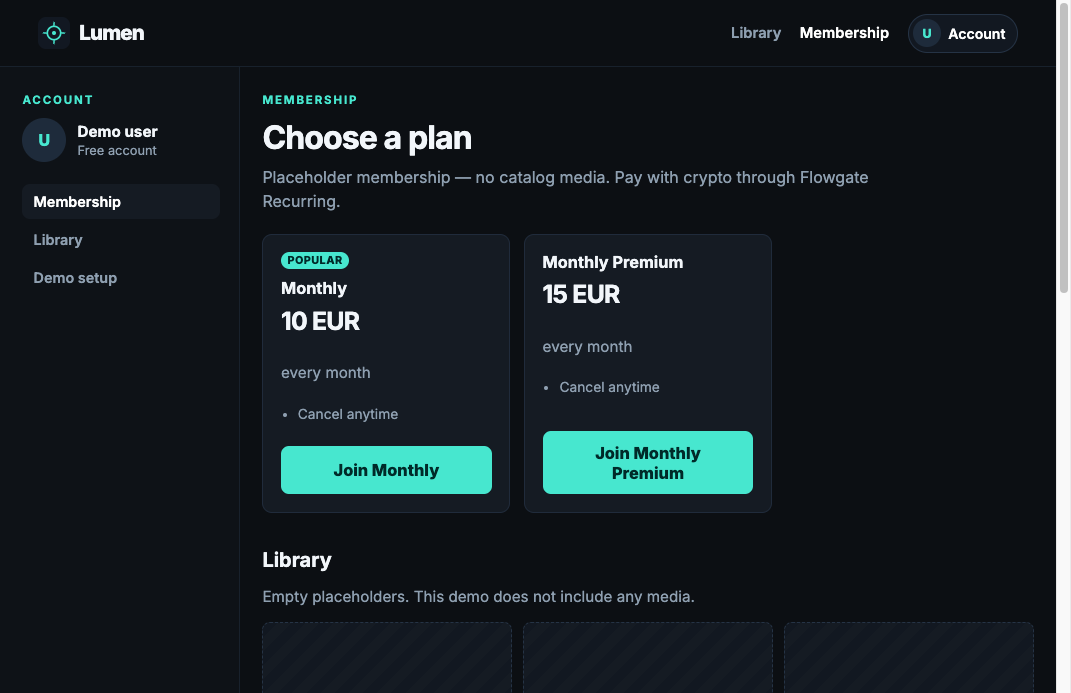
This is a live merchant page. Each plan button opens the widget with that planId already selected. The customer does not pick the plan again.

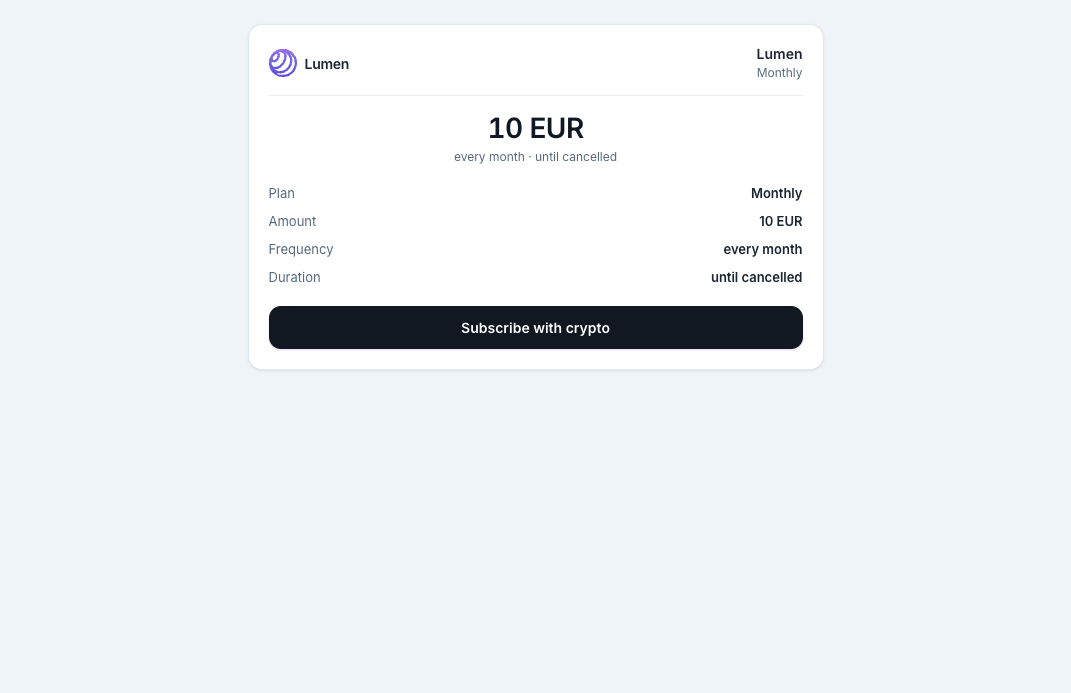
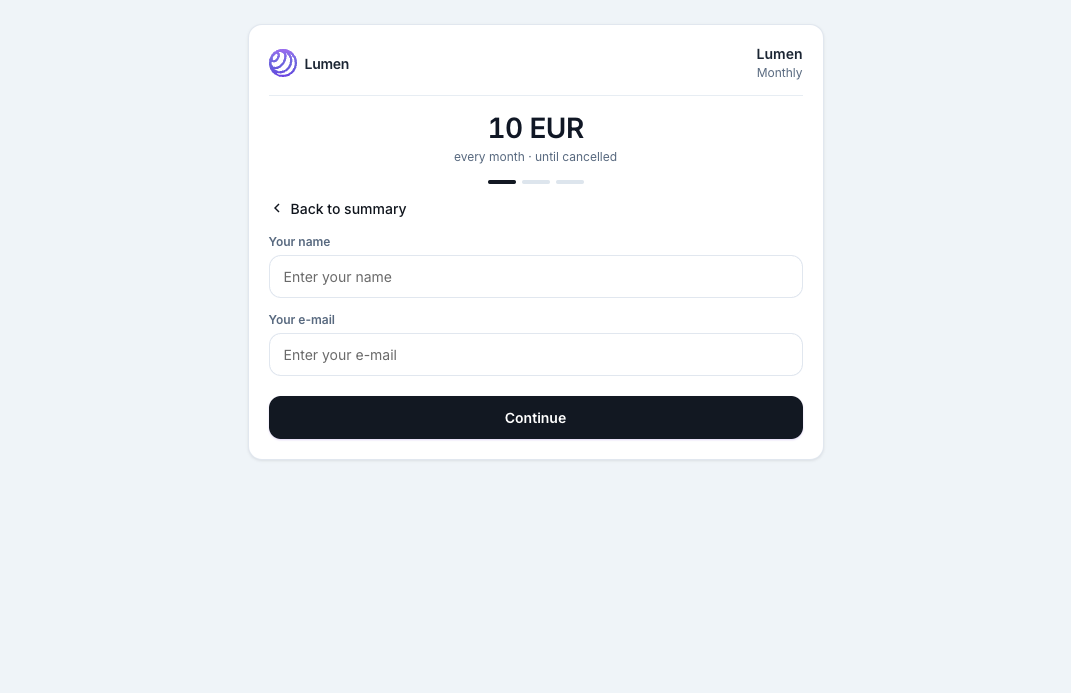
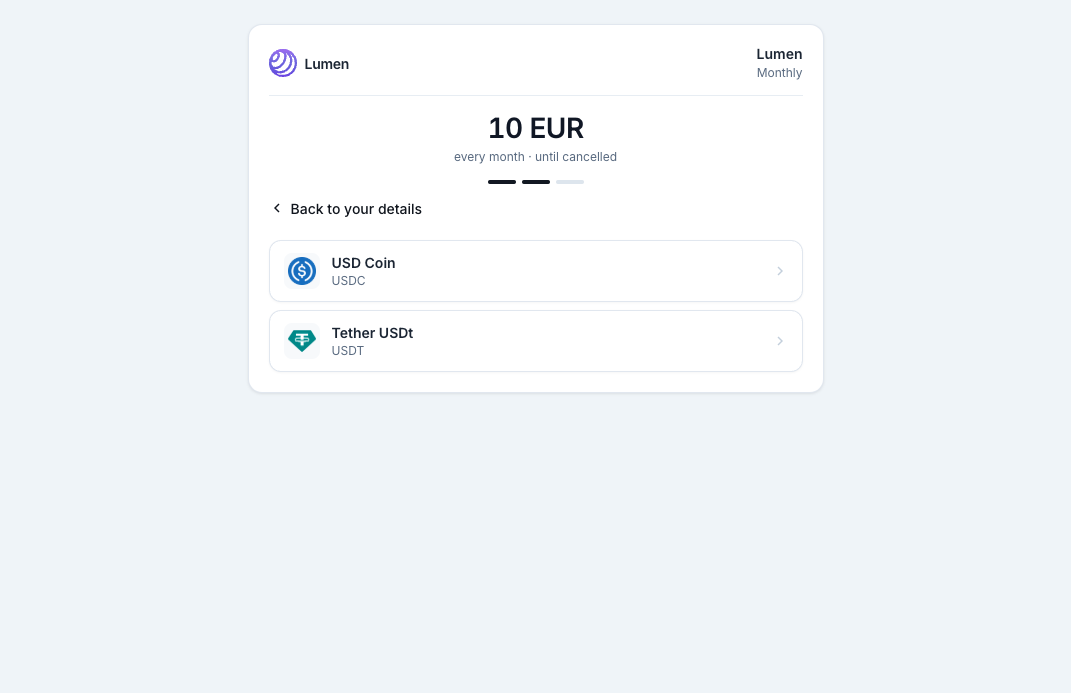
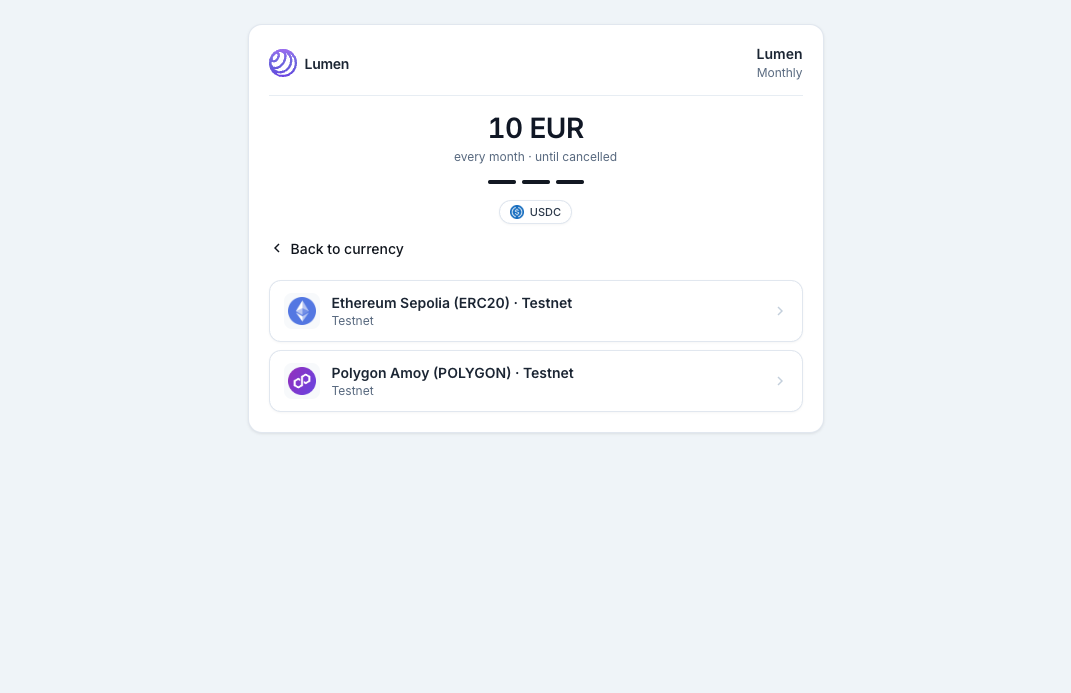
The customer lets the contract pull tokens up to the cap. The operator calls pull and pays the gas. The transfer goes to the Flowgate invoice address. If the allowance or the balance is short, the transaction is not sent.
| Check | What happens |
|---|---|
| Not enough tokens in the wallet | The charge is not sent on-chain. Retries continue. |
| Allowance too low | Automatic retries stop. The customer raises the spending cap. |
| First charge | A quote is created first, then Charge now. The subscription is not active until that payment lands. |
| Cancel | If the period is already paid, access lasts until the next charge date. No further charges are pulled. |
Put the script on your page. mount binds the click on a button. open opens the window from your own code.
<script src="https://recurring.flowgate.tech/widget.js"></script>
<button id="subscribe">Subscribe</button>
<script>
  FlowgateRecurring.mount("#subscribe", {
    id: "YOUR_STOREFRONT_ID",
    planId: "YOUR_PLAN_ID",
    reference: "YOUR_USER_ID"
  });
</script>
mode defaults to popup. embed replaces the element with an iframe. height sets the minimum height, 720px by default.
FlowgateRecurring.mount("#subscribe", {
  id: "YOUR_STOREFRONT_ID",
  planId: "YOUR_PLAN_ID",
  reference: "YOUR_USER_ID",
  mode: "embed",
  height: "720px"
});
| Parameter | Meaning |
|---|---|
id or slug | POS storefront id. Required when there is no offerId. |
offerId | An existing subscription, the /subscribe?id= page. |
planId | A collection plan. Skips the plan picker. |
reference | Your id for the person. One person, one value. |
label | Button text, only when mount creates the button itself. |
Your server or frontend builds the link for the signed-in user and sends them there. In the cabinet, the Installation tab’s Redirect mode shows the finished URL for the selected plan card.
https://recurring.flowgate.tech/s/YOUR_STOREFRONT_ID?plan_id=YOUR_PLAN_ID&reference=YOUR_USER_ID
Without a real plan_id the storefront refuses checkout and says the link needs a plan id from the collection. Without reference there is no way to know whose subscription it is when the person comes back.
reference=YOUR_USER_ID is the unique id of a person in your system. Use one value per user. The same value opens that subscription again. A different value starts a new one.
An open subscription on a storefront is found by the pair POS + reference. Open statuses are: waiting for approve, waiting for the first charge, confirming on-chain, active, and past due.
If the person opens a link for another plan with the same reference, the storefront does not create a second subscription and does not silently keep the old plan. It shows the change quote and asks them to confirm. Switching requires the manage link from the email. Without it, the plan stays as it is.
A plan is set in the cabinet: title, fiat amount, interval, and cycle count. Zero cycles means “until cancelled”. The price and interval are copied onto the subscription when it is created. Editing the plan card later does not rewrite subscriptions that already exist.
| Interval | Seconds |
|---|---|
| 10 minutes, demo only | 600 |
| Hourly | 3600 |
| Daily | 86400 |
| Weekly | 604800 |
| Monthly, 30 days | 2592000 |
| Yearly, 365 days | 31536000 |
Access to the new plan starts when the customer asks for it. The date the current period is paid through does not move. On that date the full new price is charged, and the new interval starts from there.
Days already paid are repriced. They are not discarded. Example: 18 of 30 days remain, the plan was 10 EUR and becomes 15 EUR. The old plan still covers 6.00 EUR, the new plan for those days is 9.00 EUR, so the top-up due now is 3.00 EUR. Amounts in the history are rounded to two decimal places.
If the new plan is cheaper, nothing is pulled now and nothing is refunded on-chain. The difference becomes credit and reduces the next invoice.
If the current period has not been paid, the full new price is what gets charged now. The old invoice is not retried.
Balance and allowance are both checked before the switch. If the wallet cannot cover the amount due now, the plan and the status stay as they are. The refusal is written to the history with the same calculation. A downgrade that pulls nothing is not blocked by a low balance, but the allowance must still cover the new plan’s full future charge.
History has two lists. Plans is which plan was in effect and from when. A new row is added only after a successful switch. Activity is the request, the refusal, the successful change with the calculation, plus a wallet change, a higher spending cap, and a cancellation.
A message from the browser is only a signal for the interface. Turn access on and off from the webhook to your server, or from a status request. postMessage is not signed.
window.addEventListener("message", (event) => {
  const frame = document.querySelector("#subscribe iframe");
  if (frame && event.source !== frame.contentWindow) return;
  const data = event.data;
  if (!data || data.source !== "flowgate-recurring") return;
  if (data.event === "subscription.active") {
    // refresh the screen. the server grants access.
  }
});
| Browser event | When |
|---|---|
subscription.created | The subscription exists. The first charge is not confirmed yet. |
subscription.confirming | The first charge was sent on-chain. |
subscription.active | The first charge succeeded. |
subscription.failed | The charge failed. |
Set a public HTTPS URL on the POS. The response includes a secret. Each event is a JSON POST with the header X-Flowgate-Signature: sha256=<hex>. The signature is HMAC-SHA256 of the raw body using that secret. The same id on a retry is not a second event: store the ids you have already handled.
| event | When |
|---|---|
subscription.active | A charge succeeded and the subscription is active. |
subscription.past_due | A charge failed. |
subscription.cancelled | The subscription was cancelled. |
subscription.plan_changed | The plan changed. The body includes the new plan_id. Switch access immediately. |
charge.paid | That charge was paid. The body includes charge_id. |
charge.failed | That charge failed. If the allowance is short, error_code is allowance_low. |
GET https://recurring.api.flowgate.tech/v1/admin/subscriptions/by-reference?reference=YOUR_USER_ID (staging: https://staging.recurring.api.flowgate.tech, same path). Send the POS API key as the X-Api-Key header. This is not the storefront URL. In the cabinet, open this POS and the API key / Webhook tab: the key, the URL, and an example response are there. The response is { "success": true, "data": { "status": "active", "reference": "YOUR_USER_ID", ... } }. Grant access when status is active. The card includes closed subscriptions, without the email and without the manage token. It is the latest subscription for that reference. An unknown reference is 404.
The link in the email works for 24 hours. Opening it does not extend that window. From the page the customer sees charges, raises the spending cap, changes the wallet, and cancels. A new link can be requested from the subscription screen. The email goes to the address used at signup, and not more than once a minute.
Raising the cap requires an approve from the same wallet that pays. The new cap cannot be lower than the current one. Changing the wallet is a new approve for the current cap from the new address. Older charges stay in the history.
A recurring POS has these tabs: Installation, Plans, Subscribers, Payments, API key / Webhook, Settings. When there are no subscribers yet, Installation opens first. When there are subscribers, Subscribers stays selected, and a later refresh does not leave a tab the merchant already clicked.
X-Api-Key), the webhook URL, and the signing secret.